Best AI for Solo Attorneys: Admin Tools, Not Research
Admin AI tools for solo attorneys — inbox, calendar, intake, notes, billing. Dated prices from vendor pages, data settings, and how we help set them up.

Hellospark · Hellospark
8 min read ·
Disclaimer. This article is general information for lawyers about technology. It is not legal or ethics advice. Hellospark is a technology consultancy, not a law firm. We sell AI setup help for solo professionals. Check the rules and opinions of every jurisdiction where you are licensed, and read each vendor's current terms and pricing yourself. This post was drafted with AI assistance and reviewed by the Hellospark team, who checked every primary source named below. It does not include a personal first-hand anecdote, and it does not rank tools as "best" from a paid test.
In this article · 7 sections
Most “best AI for solo attorneys” lists push research and drafting tools — CoCounsel, Lexis+ AI, Spellbook and their peers. Useful, but they are not the evening work that keeps a solo late: the inbox, the calendar, intake, call notes and the unpaid invoice chase.
This guide is admin-first. We list tools a solo can usually buy without an enterprise sales process, with prices taken from each vendor’s own page on Oct 26, 2026 (rechecked Nov 5, 2026 where curl/WebFetch could read the page; Clio and ChatGPT Business stayed blocked), plus a short note on data settings. We sell setup help (Hellospark’s 1-hour AI setup ($100)), so that disclosure sits up front. We do not invent rankings or claim we ran a paid bake-off with a client matter.
For bar rules on confidentiality and chatbots, start with our Florida Bar AI rules, Texas Ethics Opinion 705 and California State Bar AI guidance posts (a side-by-side FL/TX/CA hub publishes Nov 13). For plan-by-plan ChatGPT and Claude settings, see Can lawyers use ChatGPT?.
What counts as “admin” AI for a solo lawyer?
- Inbox AI
- Drafting, rewriting and summarising email and routine client updates — not legal research.
- Calendar AI
- Defending focus time, booking links and resolving conflicts on the calendar you already use.
- Intake AI
- Answering the phone or web form, collecting facts, booking a consult — without giving legal advice.
- Notetaker AI
- Recording (with consent), transcript and summary of a call or meeting.
- Billing and reminder AI
- Drafting invoices from time entries, nudging unpaid bills, or wiring a reminder through an automation tool.
If the product’s main pitch is case law search or brief drafting, it is out of scope here on purpose.
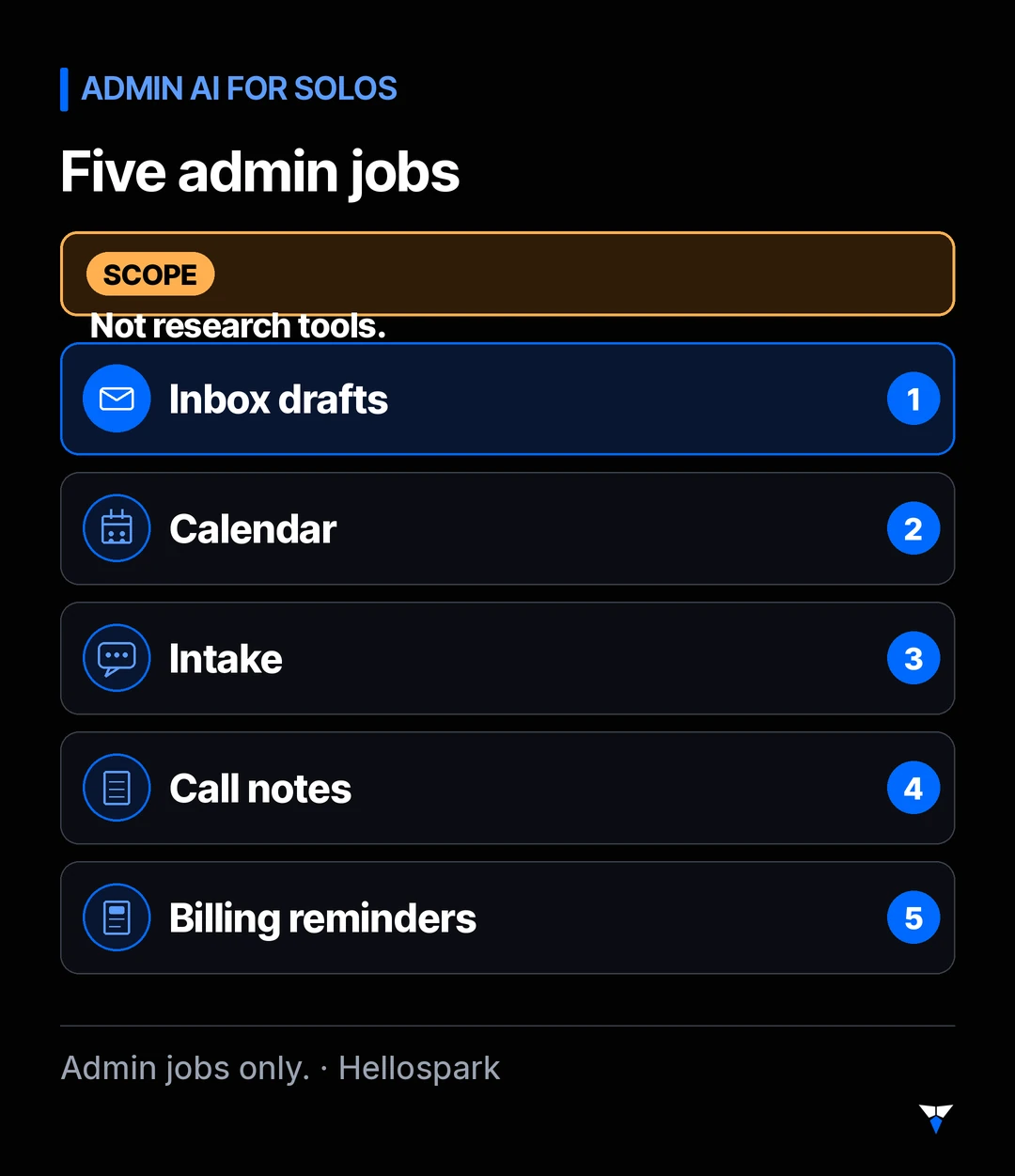
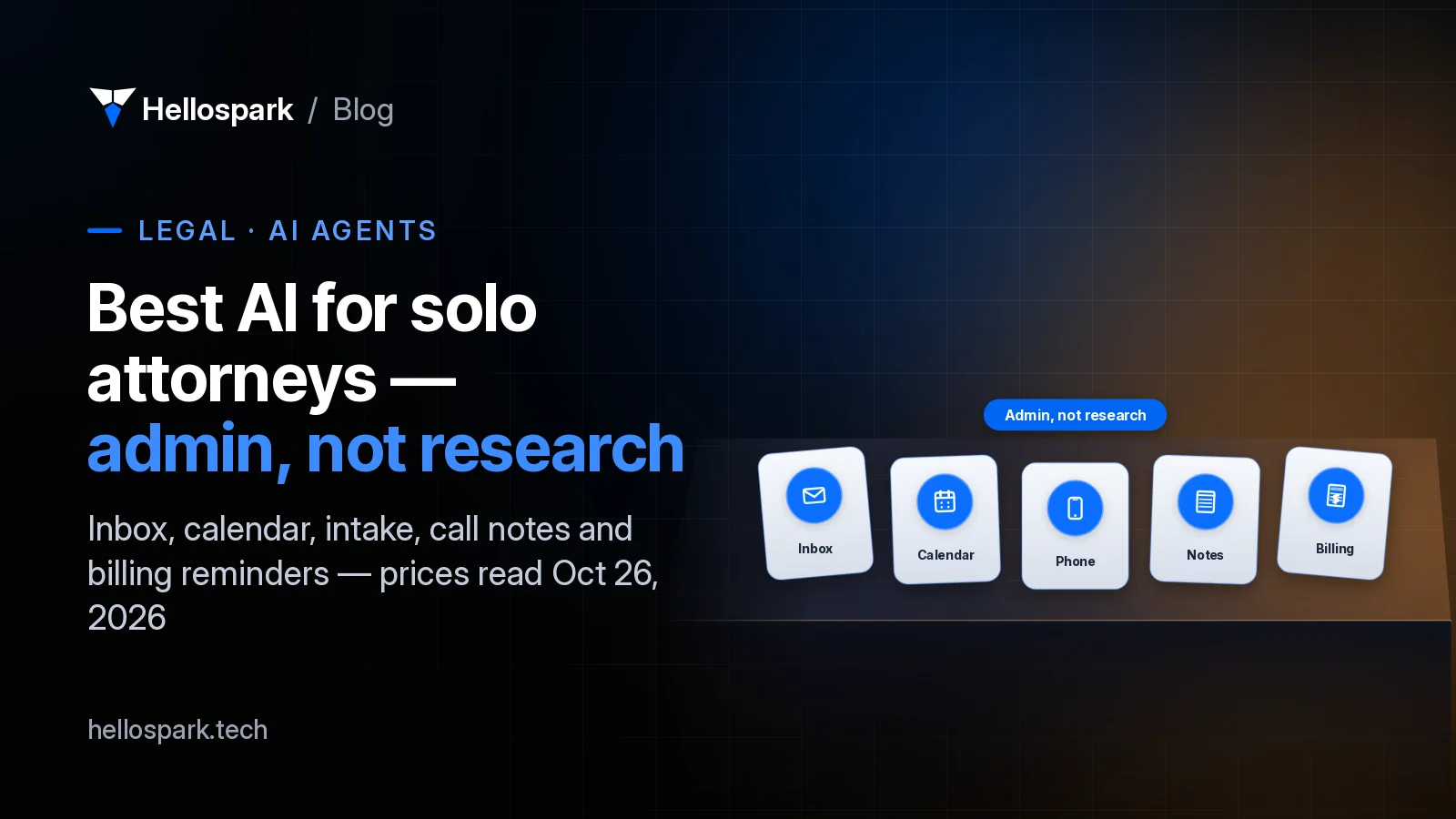
Five admin jobs AI can cover for a solo: inbox drafts, calendar defense, intake, call notes, billing reminders — not legal research.
Which admin AI tools fit a solo practice?
These are the tools we checked live on Oct 26, 2026 (rechecked Nov 5, 2026 where the page was readable). Prices change; open the linked page before you buy. Call-based receptionist plans are summarised only — the full table lives in our AI receptionist for lawyers post.
| Admin job | Tool | What the vendor page showed (read Oct 26, 2026; rechecked Nov 5 where readable) | Data note (high level) |
|---|---|---|---|
| Inbox / drafts | ChatGPT Business (Standard seat) | $25/user/mo monthly, or $20/user/mo billed annually; workspace needs at least 2 seats (OpenAI Help) | OpenAI says it does not train on Business data by default (Enterprise privacy) |
| Inbox / drafts | Claude Team (Standard seat) | $25/member/mo monthly, or $20/member/mo billed annually; minimum 2 members (Claude Help) | Anthropic says Team and Enterprise do not train on inputs/outputs by default (Claude privacy) |
| Calendar | Reclaim.ai | Lite free; Starter $10/seat/mo yearly or $12 monthly; Business $15 yearly or $18 monthly | Read Reclaim’s current terms before connecting a work calendar that holds client names |
| Call notes | Fathom | Free $0; Premium $16/mo yearly or $20 monthly; Team from $15/user/mo yearly (2-user min) | Recording consent is a separate legal question — see our AI notetaker guide |
| Practice admin (billing drafts, client updates, scheduling) | Clio Manage | Plans start at $49 USD/user/mo (Starter). Clio says AI is included on Core and above; Core/Signature/Elite are quote-based on that page | Clio’s FAQ states firm data is not used for AI training |
| Billing reminders / glue | Zapier Professional | From $19.99/mo on annual billing for the 750-task tier (or $29.99 monthly); Free includes 100 tasks/mo | Treat client fields like any other third-party processor; minimise what each Zap sends |
| Phone intake | AI receptionist (several vendors) | On Oct 23 we read plans from free tiers to about $600/mo across Smith.ai, NextPhone, Upfirst, Dialzara, Goodcall and Ruby — see the receptionist price table | Florida Op. 24-1: say it is AI; keep intake factual |
| Web intake / CRM | Clio Grow or Lawmatics | Clio Grow is included in Elite / available as an add-on (quote). Lawmatics publishes plan names and a 3-user minimum, but not a self-serve dollar price | Same confidentiality rules as any intake vendor; no published Lawmatics dollar figure to quote |
We are not ranking these as first through eighth. Pick by the admin job that costs you the most evening hours.
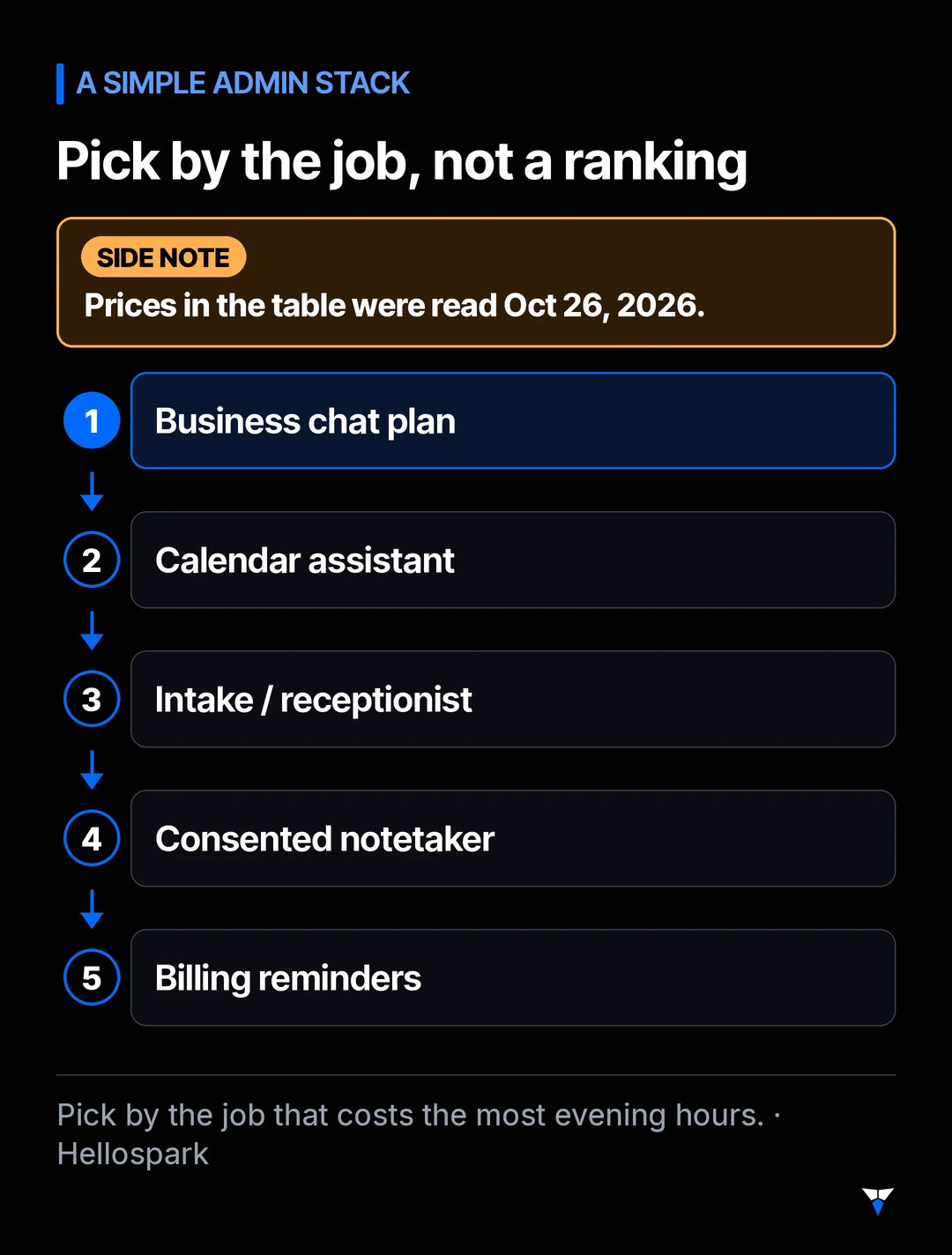
A simple admin stack: business chat plan + calendar assistant + intake/receptionist + consented notetaker + billing reminders (Clio AI or Zapier). Prices in the table above were read Oct 26, 2026 and rechecked Nov 5 where readable.
What should you check before client information goes in?
Three habits cover most of this stack. Details and opt-out steps live in Can lawyers use ChatGPT? — this is the short version only.
- Prefer a business plan for client work. OpenAI and Anthropic both say business plans do not train on your data by default. Personal plans may unless you turn training off.
- Read the seat minimum. ChatGPT Business and Claude Team each need at least two seats, so a true solo paying for one business workspace is buying a second seat.
- Match the tool to the bar rule. Florida Opinion 24-1 wants a chatbot that talks to the public to say it is AI. Notetakers need recording consent (all-party in Florida and for confidential California calls). Supervising nonlawyer tools still falls under Model Rule 5.3 and ABA Formal Opinion 512.
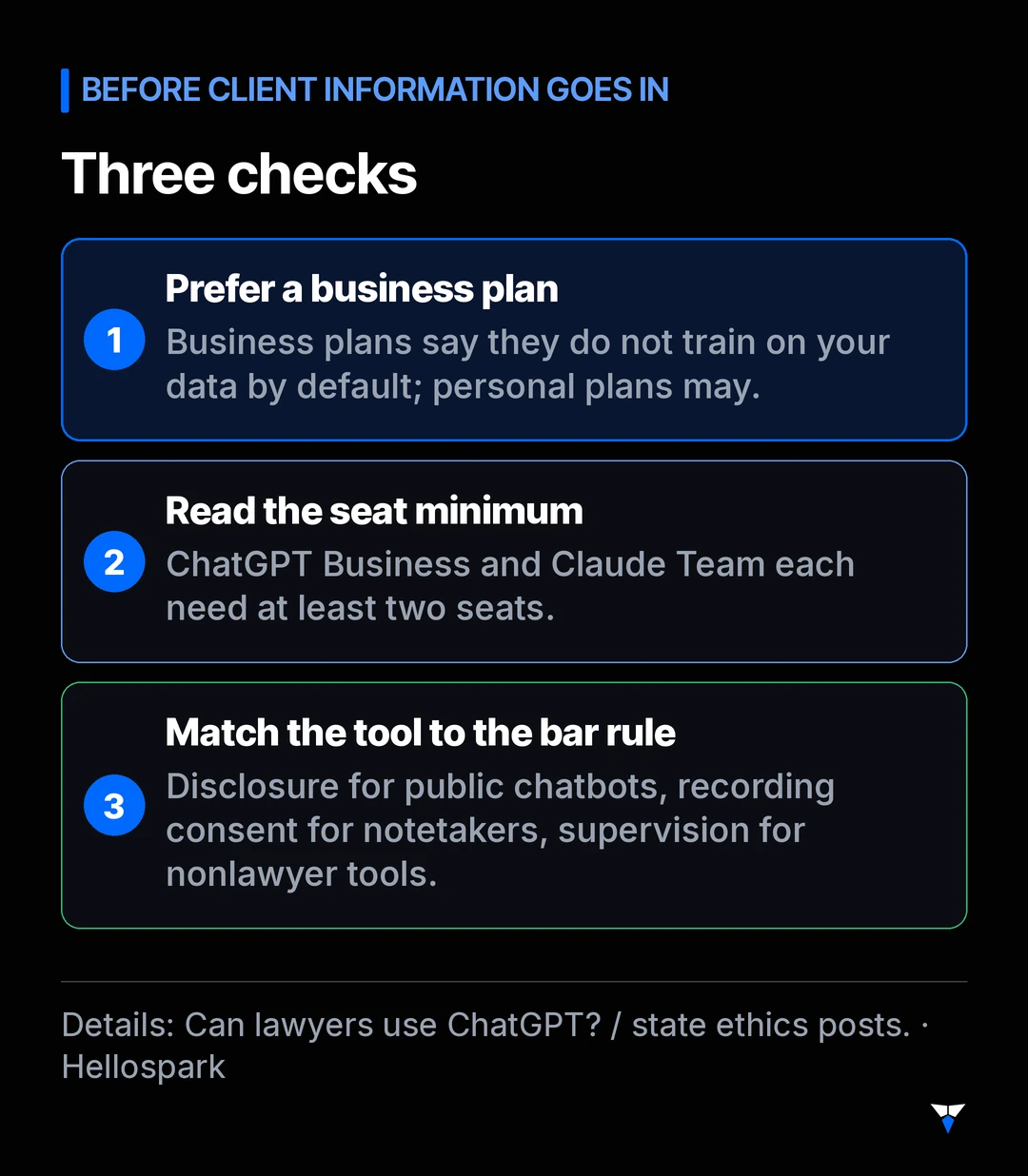
Three checks before client information goes in: prefer a business plan, read the seat minimum, match the tool to the bar rule (disclosure, consent, supervision).
How do you build a simple admin stack?
A practical order for most solos (technology advice, not a bar checklist):
- Fix the inbox. Put ChatGPT Business or Claude Team on a business plan, turn off training/feedback where the admin controls allow, and use it for drafts without pasting more client detail than the task needs.
- Defend the calendar. Reclaim Lite is free to try; upgrade only if you need longer scheduling range or more agents.
- Cover missed calls. Configure an AI receptionist with a disclosure-first script, or route web leads through Clio Grow / Lawmatics. Full script rules: AI receptionists for law firms.
- Add a notetaker only with consent. Ask everyone on the call first. Details: AI notetaker for lawyers.
- Close the billing loop. If you already run Clio, ask for a Core-or-above quote so Manage AI can draft bills and client updates you still review. If you do not, a Zapier Professional Zap can nudge unpaid invoices from the tools you already have.
- Know when you need an agent. A fixed Zap is often enough. Use an agent when the steps truly cannot be decided in advance — see What is an AI agent?.
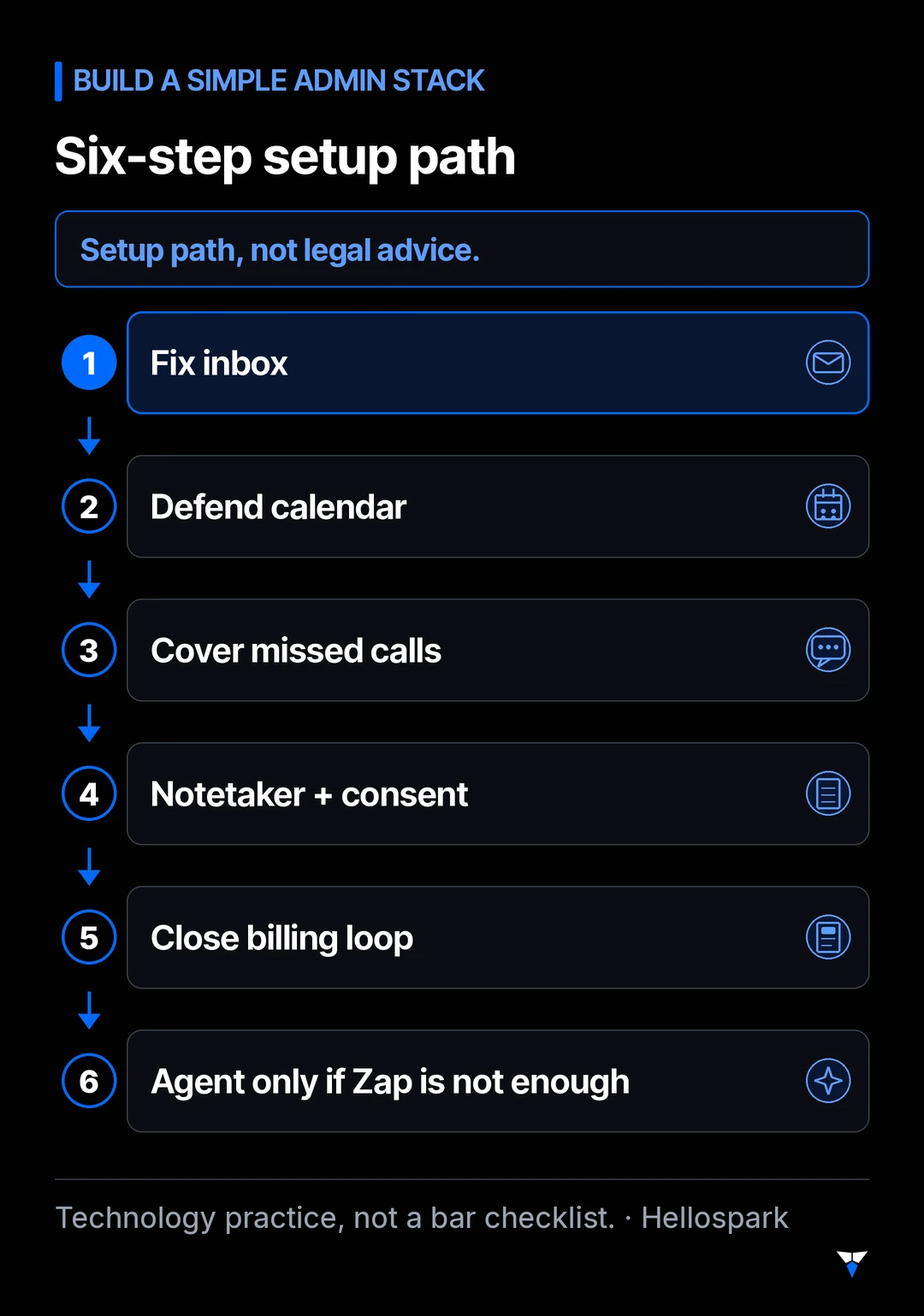
Six-step setup path: fix the inbox → defend the calendar → cover missed calls → add a notetaker only with consent → close the billing loop → use an agent only when a fixed Zap is not enough. Technology practice, not a bar checklist.
What did we leave out on purpose?
- Legal research and drafting AI (CoCounsel, Lexis+ AI, Spellbook and similar). Other roundups cover them; this one does not.
- Suite AI you may already pay for (Microsoft 365 Copilot, Google Gemini for Workspace). Worth checking if you are already on those suites; we did not re-price every SKU here.
- Enterprise-only tools that require a sales call and a custom MSA before you see a number.
Want help setting the stack up?
We configure the tools you choose — privacy settings, receptionist script, notetaker consent line, and a first Zapier reminder — in a 1-hour AI setup ($100). Not sure it fits? Book a free 15-min fit call or see all booking options.
Sources
- OpenAI, Business pricing, ChatGPT Business overview (Standard seat $25 monthly / $20 annually; Premium $125 / $100; 2-seat minimum), and Enterprise privacy (no training on business data by default). Read Oct 26, 2026; ChatGPT Business pricing page blocked to curl/WebFetch on Nov 5 publish day, figures kept unverified.
- Anthropic, Claude pricing and What is the Team plan? (Standard $25 monthly / $20 annually; Premium $125 / $100; 2-member minimum). Training defaults: Is my data used for model training?. Read Oct 26, 2026; Team seat prices rechecked Nov 5, 2026 (match).
- Clio, Pricing (plans start at $49 USD/user/mo; AI included on Core and above; FAQ: firm data not used for AI training). Read Oct 26, 2026; Clio pricing page blocked to curl/WebFetch on Nov 5 publish day, figures kept unverified.
- Reclaim.ai, Pricing (Lite free; Starter $10 yearly / $12 monthly; Business $15 / $18). Read Oct 26, 2026; rechecked Nov 5, 2026 (match).
- Fathom, Pricing (Free $0; Premium $16 yearly / $20 monthly; Team $15 yearly / $19 monthly, 2-user min). Read Oct 26, 2026; rechecked Nov 5, 2026 (match).
- Zapier, Plans & Pricing (Professional from $19.99/mo annual at 750 tasks; $29.99 monthly). Read Oct 26, 2026; rechecked Nov 5, 2026 via curl (match).
- Lawmatics, Pricing (Essential / Premium / Enterprise; 3-user minimum; no self-serve dollar price published on the page we read). Read Oct 26, 2026; rechecked Nov 5, 2026 (still no self-serve $).
- Receptionist vendor prices (Oct 23, 2026 read): see Sources on AI receptionists for law firms.
- The Florida Bar, Ethics Opinion 24-1; Texas Professional Ethics Committee, Opinion 705; California State Bar, Generative AI Practical Guidance; ABA, Formal Opinion 512 (ACC mirror if americanbar.org challenges bots: ACC copy).
Frequently asked questions
What is the best AI for solo attorneys if I am not buying research tools?
Start with admin jobs: a business plan of ChatGPT or Claude for email drafts, Reclaim (or your suite's own calendar AI) for the calendar, an AI receptionist or intake CRM for new-matter calls, a notetaker with all-party consent where required, and Clio Manage AI or Zapier for billing reminders. Research tools such as CoCounsel, Lexis+ AI and Spellbook are outside this list on purpose.
Do I need a business plan of ChatGPT or Claude?
For anything with client information, yes in practice. OpenAI and Anthropic both say their business plans do not train on your data by default; personal plans may unless you opt out. ChatGPT Business and Claude Team each require at least two seats. Full plan-by-plan settings are in our Can lawyers use ChatGPT guide.
How much do these admin tools cost?
On the vendor pages we read on Oct 26, 2026 (rechecked Nov 5 where readable): ChatGPT Business Standard seats $20–$25 per user per month (two-seat minimum); Claude Team Standard seats the same; Clio Manage from $49 per user per month (AI on Core and above; higher tiers quote-only); Reclaim Lite free, Starter $10–$12; Fathom Free $0, Premium $16–$20; Zapier Professional from about $19.99 per month on annual billing for 750 tasks. Recheck before you buy.
Is this different from AI receptionists and notetakers?
Those two jobs have their own guides with bar rules and fuller price tables. This post summarises them and points you there, then fills the admin gap around inbox, calendar, intake, billing reminders and practice-management AI.
Do you sell the tools or only help set them up?
We do not resell these products. We configure the ones you choose in a one-hour AI setup ($100) and a free 15-minute fit call, so the settings and scripts match a solo practice.

Written by Hellospark
Hellospark (a Spark Tech company)
Hellospark (a Spark Tech company) is an AI and automation consultancy in Marrakech. We write practical guides so solo professionals can set up AI for admin without drowning in paperwork.
Want AI set up for your work?
One 1:1 video hour with a founder to set up AI for your admin. $100, paid when you book.
Get plain-English AI tips for your business
Simple guides to using AI for your admin, written by the two founders. No spam; about one email a month.