Can Lawyers Use ChatGPT? Confidentiality, Plans, Settings
Can a solo lawyer put client information into ChatGPT or Claude? What ABA Op. 512, Florida, Texas and California say, plan by plan, and settings to check.

Hellospark · Hellospark
7 min read ·
Disclaimer. This article is general information for lawyers about technology. It is not legal or ethics advice. Hellospark is a technology consultancy, not a law firm. Check the rules and opinions of every jurisdiction where you are licensed, and read each vendor's current terms yourself. This post was drafted with AI assistance and reviewed by the Hellospark team, who checked every primary source named below. It does not include a personal first-hand anecdote.
In this article · 8 sections
- What terms should you know first?
- What does ABA Opinion 512 say about confidentiality?
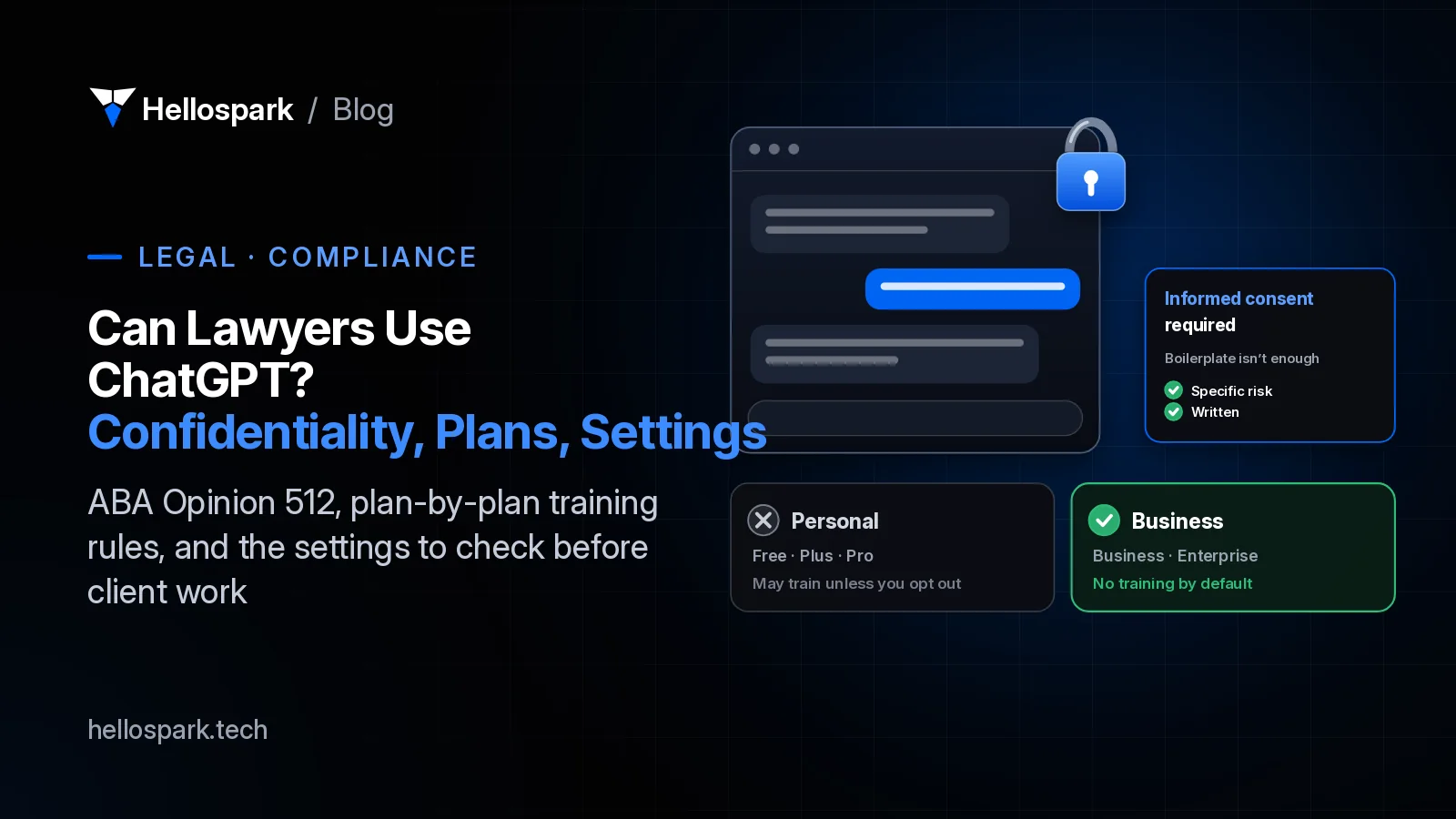
- Does ChatGPT or Claude train on what you type?
- Do you need client consent in Florida, Texas or California?
- Are your clients’ own AI chats privileged?
- How do you set up ChatGPT for client work?
- Want help setting it up?
- Sources
- Frequently asked questions
Plenty of solo lawyers already use ChatGPT for something: a rough first draft, a plain-English summary, a tricky email. The question is what happens when a client’s name or facts go into the box.
Can lawyers use ChatGPT? Yes. No US bar opinion we’ve read bans it. But once you type in information about a representation, your confidentiality duty applies to the tool, and which plan you use and how it’s set up matter a lot.
What terms should you know first?
- Self-learning tool
- ABA Formal Opinion 512's term for an AI tool that can learn from what users put in, so one client's information could show up in answers to someone else.
- Personal plan
- An individual subscription, such as ChatGPT Free, Plus or Pro, or Claude Free, Pro or Max.
- Business plan
- A workspace plan under commercial terms, such as ChatGPT Business or Enterprise, or Claude Team or Enterprise. Both vendors say these don't train on your data by default.
- Informed consent
- The client's agreement after you explain the specific risks and benefits of a tool. Opinion 512 says boilerplate isn't enough.
What does ABA Opinion 512 say about confidentiality?
ABA Formal Opinion 512 (July 29, 2024) is the national starting point. Three lines from it matter most:
- Consent for self-learning tools. “A client’s informed consent is required prior to inputting information relating to the representation into such a GAI tool.”
- No boilerplate. “Merely adding general, boiler-plate provisions to engagement letters purporting to authorize the lawyer to use GAI is not sufficient.”
- Read the terms. “As a baseline, all lawyers should read and understand the Terms of Use, privacy policy, and related contractual terms and policies of any GAI tool they use,” or consult someone who has.
The opinion also gives a safe zone: “if a lawyer is using the tool for idea generation in a manner that does not require inputting information relating to the representation, client informed consent would not be necessary.”
Does ChatGPT or Claude train on what you type?
It depends on the plan. Here is what each vendor’s own pages say, read on Oct 24, 2026. Terms change, so check them again before you rely on this.
| Plan | Trains on your chats by default? | What the vendor says you can control |
|---|---|---|
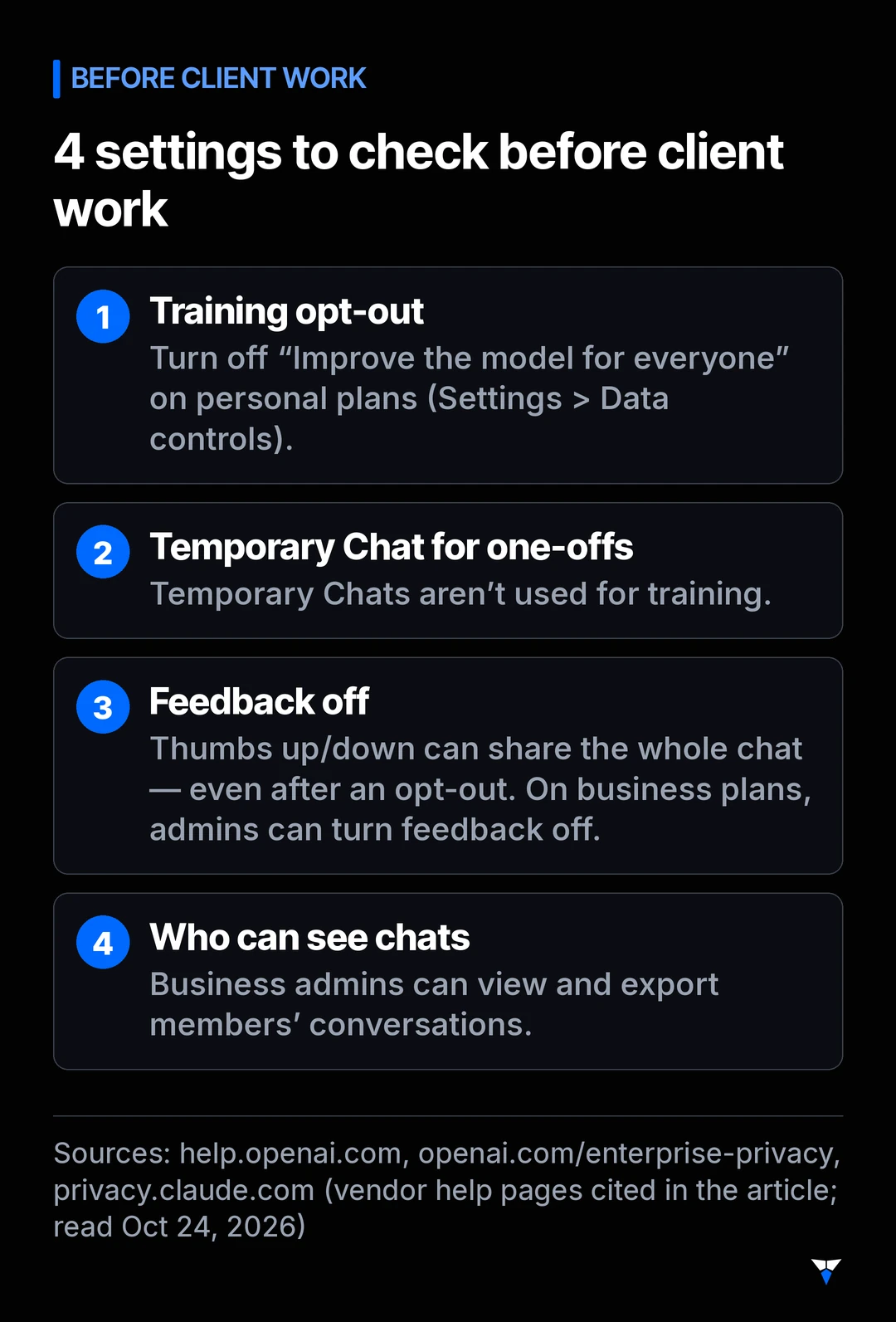
| ChatGPT Free, Plus, Pro | May, unless you opt out | Turn off “Improve the model for everyone” in Settings > Data controls; Temporary Chats aren’t used for training (OpenAI) |
| ChatGPT Go | Check the vendor page | OpenAI’s training help page (read Oct 24, 2026) names Free, Plus and Pro only; confirm Go under Settings > Data controls before you use it with client information |
| ChatGPT Business, Enterprise | No, by default | Admins control retention. On Business, deleted or unsaved chats are removed within 30 days unless the law requires otherwise; on Enterprise, the same 30-day window applies to deleted chats (OpenAI) |
| OpenAI API | No, by default | Inputs and outputs may be kept up to 30 days for abuse monitoring (OpenAI) |
| Claude Free, Pro, Max | Your choice at sign-up | 5-year retention if you allow training, 30 days if you don’t (Anthropic) |
| Claude Team, Enterprise, API | No, by default | Owners can turn off chat feedback (Anthropic) |
Two details catch people out:
- Feedback can override your opt-out. On Free, Plus and Pro, OpenAI says that if you give feedback (thumbs up or down), “the entire conversation associated with that feedback may be used to train our models,” even after opting out (OpenAI). Anthropic says feedback stores the whole related conversation “for up to 5 years” (Anthropic).
- “No training” isn’t “no access.” For ChatGPT Business, OpenAI says workspace admins can view and export members’ conversations, and that authorized OpenAI staff and specialized contractors may access them for support, abuse checks and legal compliance (OpenAI).
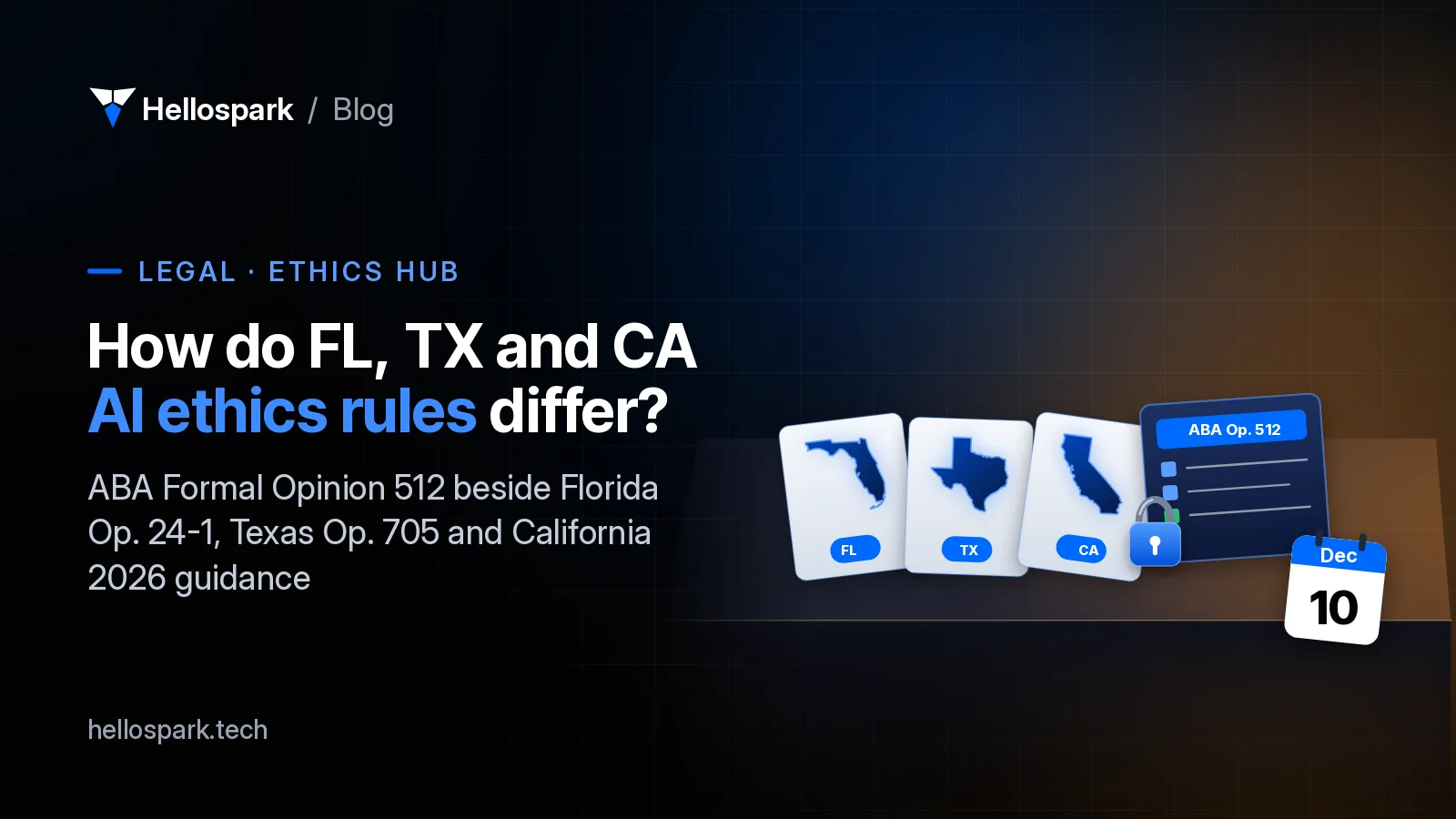
Do you need client consent in Florida, Texas or California?
Each state says it a little differently. Here is the short version, with links to our full guides.
| Where | What it says about client information | Our guide |
|---|---|---|
| ABA | Informed consent before inputting representation information into a self-learning tool; boilerplate is not enough (Op. 512) | This post |
| Florida | “It is recommended that a lawyer obtain the affected client’s informed consent prior to utilizing a third-party generative AI program if the utilization would involve the disclosure of any confidential information” (Op. 24-1) | Florida Bar AI rules |
| Texas | Be “reasonably satisfied that the program will not reveal confidential information to others”; if not, don’t input it “without client consultation and consent” (Op. 705) | Texas Ethics Opinion 705 |
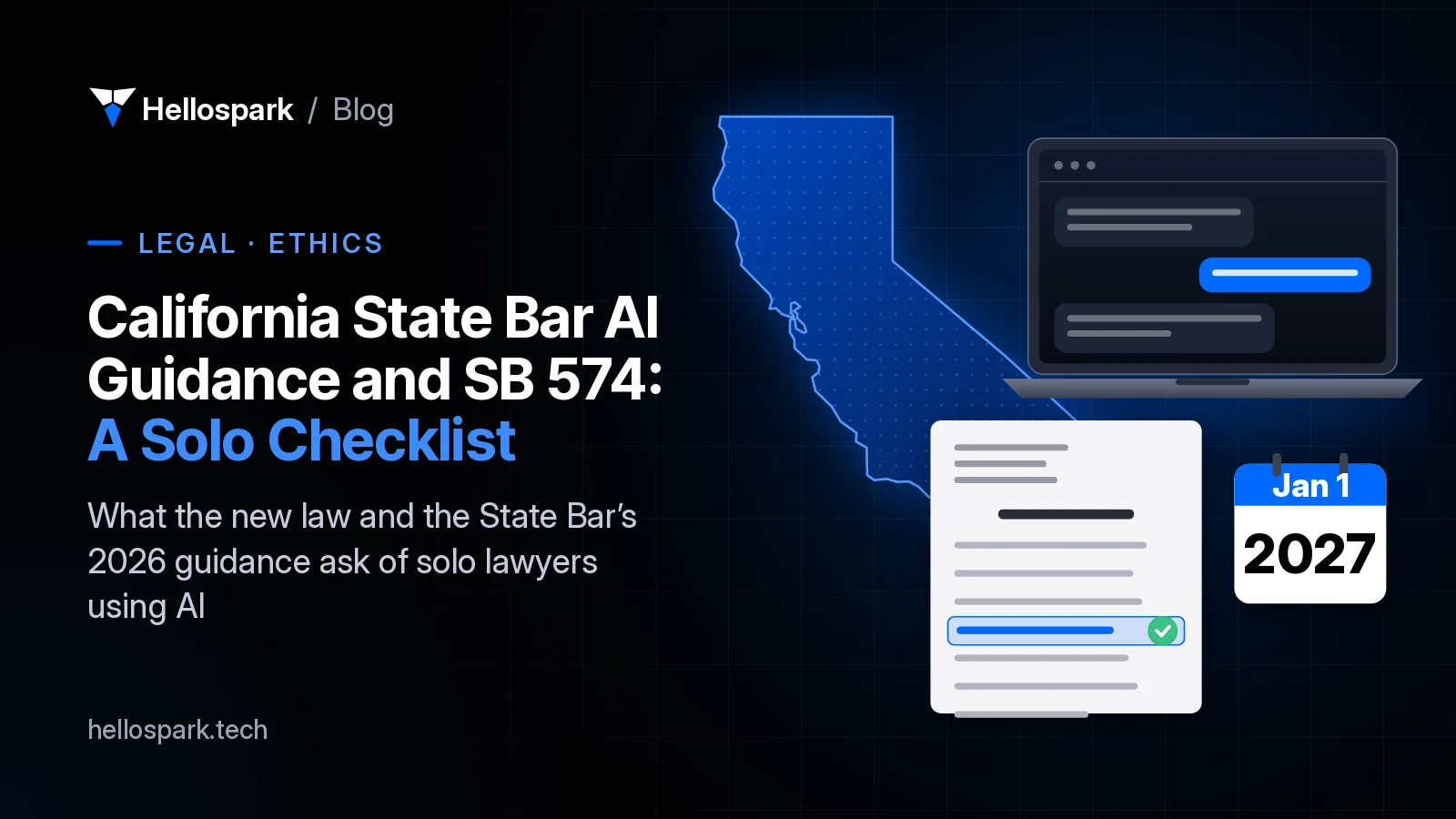
| California | From Jan 1, 2027, don’t enter confidential, personal identifying or nonpublic information unless access is “restricted to the attorney and persons authorized by the attorney” (SB 574) | California State Bar AI guidance |
The practical takeaway (our advice, not a rule): pick a business plan with training off, read its terms once, and get specific written consent from clients before their information goes in.
Are your clients’ own AI chats privileged?
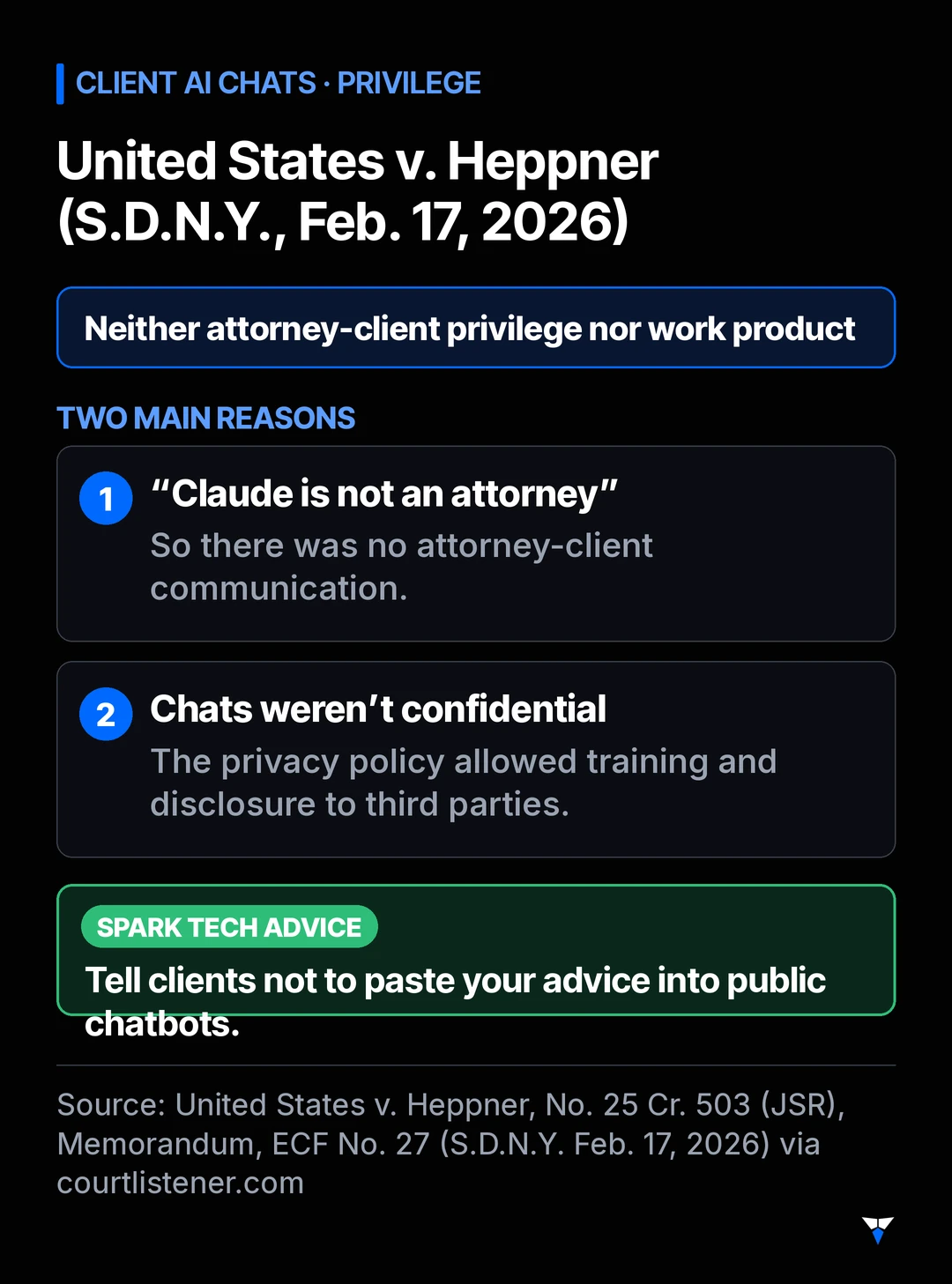
This is the newer risk, and it’s about your clients rather than you. In United States v. Heppner (S.D.N.Y., memorandum filed Feb. 17, 2026), a defendant had used the consumer version of Claude on his own, then shared the results with his lawyers. Judge Jed Rakoff held those exchanges were protected by neither attorney-client privilege nor the work-product doctrine.
The court gave two main reasons. “Because Claude is not an attorney,” there was no attorney-client communication. And the chats weren’t confidential, because the privacy policy users agree to said Anthropic collects inputs and outputs, uses them for training and may disclose them to third parties, including government authorities.
So consider adding a line to your client intake materials: don’t paste our advice or your case facts into public AI chatbots.
How do you set up ChatGPT for client work?
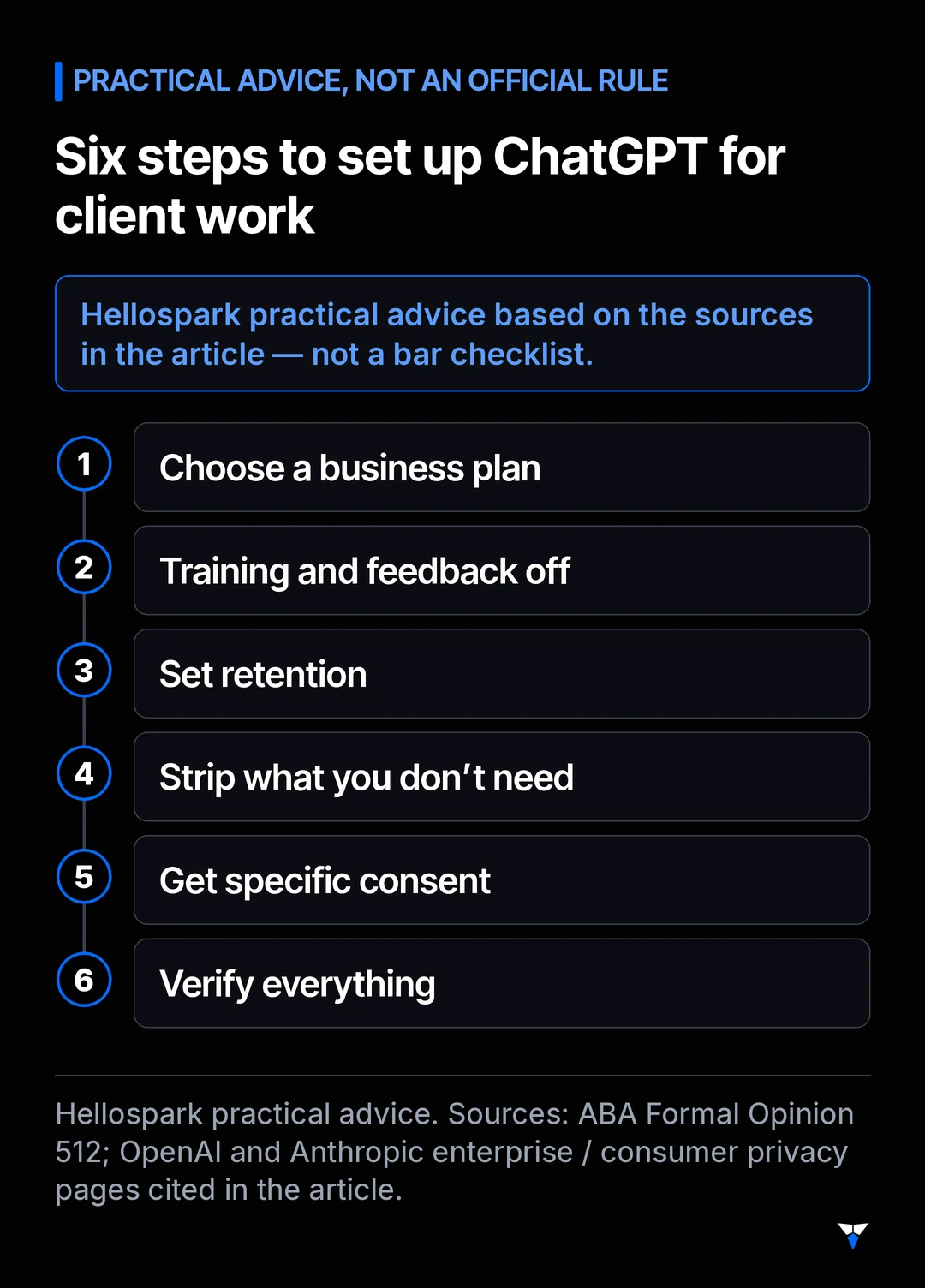
These steps are our practical advice based on the sources above, not an official checklist:
- Choose the plan. Use a business plan for anything with client information. As of Oct 24, 2026, ChatGPT’s pricing FAQ says Business plans start at 2 users, so a true solo may need a second seat or another path — recheck ChatGPT’s pricing page or Claude’s pricing page before you buy.
- Turn off training and feedback. On a personal plan, turn off “Improve the model for everyone.” On a business plan, an admin can turn off response feedback.
- Set retention. Pick the shortest history you can work with.
- Strip what you don’t need. Leave out names, dates of birth, account numbers and Social Security numbers unless the task truly needs them.
- Get specific consent. Explain the tool, the risk and the benefit in writing, per Opinion 512. A general clause isn’t enough.
- Verify everything. Check every citation and fact before anything leaves your office.
Want help setting it up?
We set the privacy settings with you, in your own account, in a 1-hour AI setup ($100), so you can draft faster and get your evenings back without risking client confidences. Not sure it fits? Book a free 15-min fit call or see all booking options.
Sources
- American Bar Association, Formal Opinion 512: Generative Artificial Intelligence Tools (July 29, 2024). Text checked Oct 24, 2026 via the ACC copy (the americanbar.org PDF sometimes hits a bot challenge; use the ACC copy if it does).
- The Florida Bar, Ethics Opinion 24-1 (Jan 19, 2024) and full-text PDF. Checked Oct 24, 2026.
- Texas Professional Ethics Committee, Opinion 705 (February 2025).
- California Legislature, SB 574 (Chapter 858, Statutes of 2026, approved Sep 30, 2026; operative Jan 1, 2027 under the usual California rule for chaptered bills without a different stated date).
- OpenAI, How your data is used to improve model performance and Enterprise privacy (updated Jan 8, 2026). Read Oct 24, 2026.
- Anthropic, Updates to Consumer Terms and Privacy Policy (Aug 28, 2025) and Is my data used for model training?. Read Oct 24, 2026.
- United States v. Heppner, No. 25 Cr. 503 (JSR), Memorandum, ECF No. 27 (S.D.N.Y. Feb. 17, 2026).
Frequently asked questions
Can a lawyer put client information into ChatGPT?
Only with care. ABA Formal Opinion 512 says a client's informed consent is required before inputting information relating to the representation into a self-learning generative AI tool, and that general boilerplate in an engagement letter is not sufficient. Florida Opinion 24-1 recommends informed consent before disclosing confidential information to a third-party AI program. Using the tool for idea generation without client information does not need consent, according to Opinion 512.
Does ChatGPT train on what I type?
On personal plans OpenAI names (Free, Plus, Pro), it may use your content to train its models unless you turn off 'Improve the model for everyone' under Settings > Data controls. If you are on ChatGPT Go, confirm that setting on the current help page — the training article we checked on Oct 24, 2026 did not name Go. For ChatGPT Business, Enterprise and the API, OpenAI says it does not use inputs or outputs to train its models by default.
Is Claude safe for lawyers to use?
The same split applies. Anthropic says Claude Free, Pro and Max users choose whether their chats are used for training, with 5-year retention if they allow it and 30 days if they don't. For commercial products such as the Team and Enterprise plans and the API, Anthropic says it does not train on inputs or outputs by default. Safe use still depends on your jurisdiction's rules and your client's consent.
Does a thumbs-up or thumbs-down count as sharing the chat?
It can. OpenAI says that on Free, Plus and Pro, giving feedback on a response may let it use the entire conversation for training even if you opted out. Anthropic says feedback stores the whole related conversation for up to 5 years and may be used for training. On business plans, admins can turn feedback off.
Are a client's own chats with an AI tool privileged?
Not necessarily. In United States v. Heppner (S.D.N.Y., Feb. 17, 2026), Judge Rakoff held that a defendant's own exchanges with the consumer version of Claude were protected by neither attorney-client privilege nor work product. Tell clients not to paste your advice into public chatbots.

Written by Hellospark
Hellospark (a Spark Tech company)
Hellospark (a Spark Tech company) is an AI and automation consultancy in Marrakech. We write practical guides so solo professionals can set up AI for admin without drowning in paperwork.
Want AI set up for your work?
One 1:1 video hour with a founder to set up AI for your admin. $100, paid when you book.
Get plain-English AI tips for your business
Simple guides to using AI for your admin, written by the two founders. No spam; about one email a month.