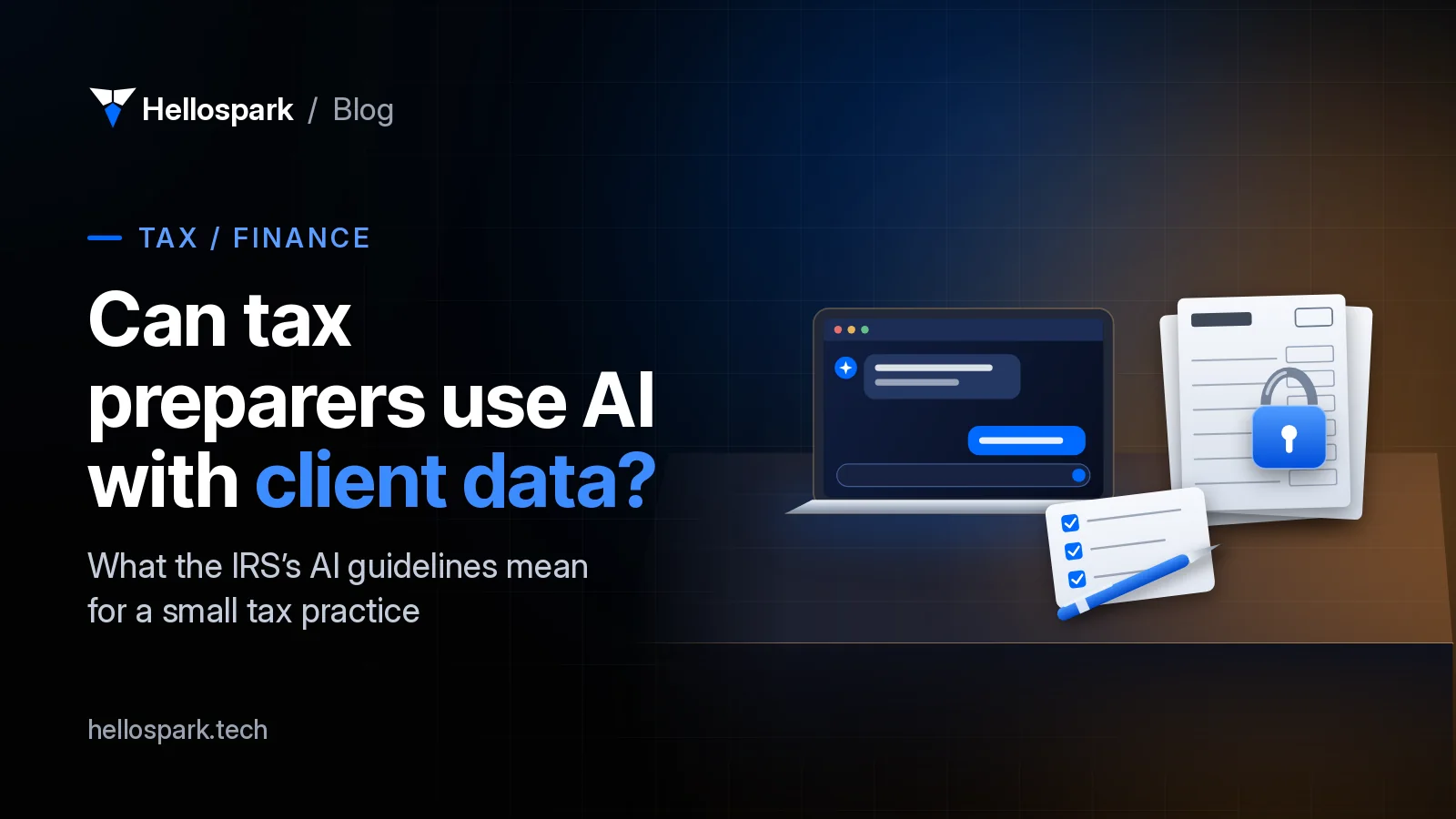
Can tax preparers use AI with client data? What the IRS expects
The IRS's AI guidelines for tax pros say: verify everything, protect return data and bill fairly. What that means for a solo practice, plus a setup plan.

Ayoub El Mardi · Co-founder, Spark Tech
10 min read · · Updated
Last updated
Updated : named Hellospark in the disclaimer/SEO title (brand rule).
Earlier updates (1)
- : added five explanatory visuals.
Disclaimer. This article is general information about technology for tax professionals. It is not tax, legal or professional-responsibility advice. Hellospark is a technology consultancy, not a law or accounting firm. Read the IRS guidance yourself, and ask a qualified professional-responsibility lawyer about your specific situation.
In this article · 8 sections
- What do the IRS AI guidelines actually say?
- Is this a new rule, and why is the AICPA pushing back?
- What counts as “tax return information”?
- Why does your security plan need to mention AI?
- Which AI tasks are safe to start with?
- How do you set up AI safely in one evening?
- Where to go from here
- Sources
- Frequently asked questions
If you prepare returns on your own or with a small team, AI could take a lot of evening work off your plate: first drafts of client emails, summaries of long notices, checklists and document requests. For most tax pros the real question is not whether it works. It is whether using it could put their credential or their clients at risk.
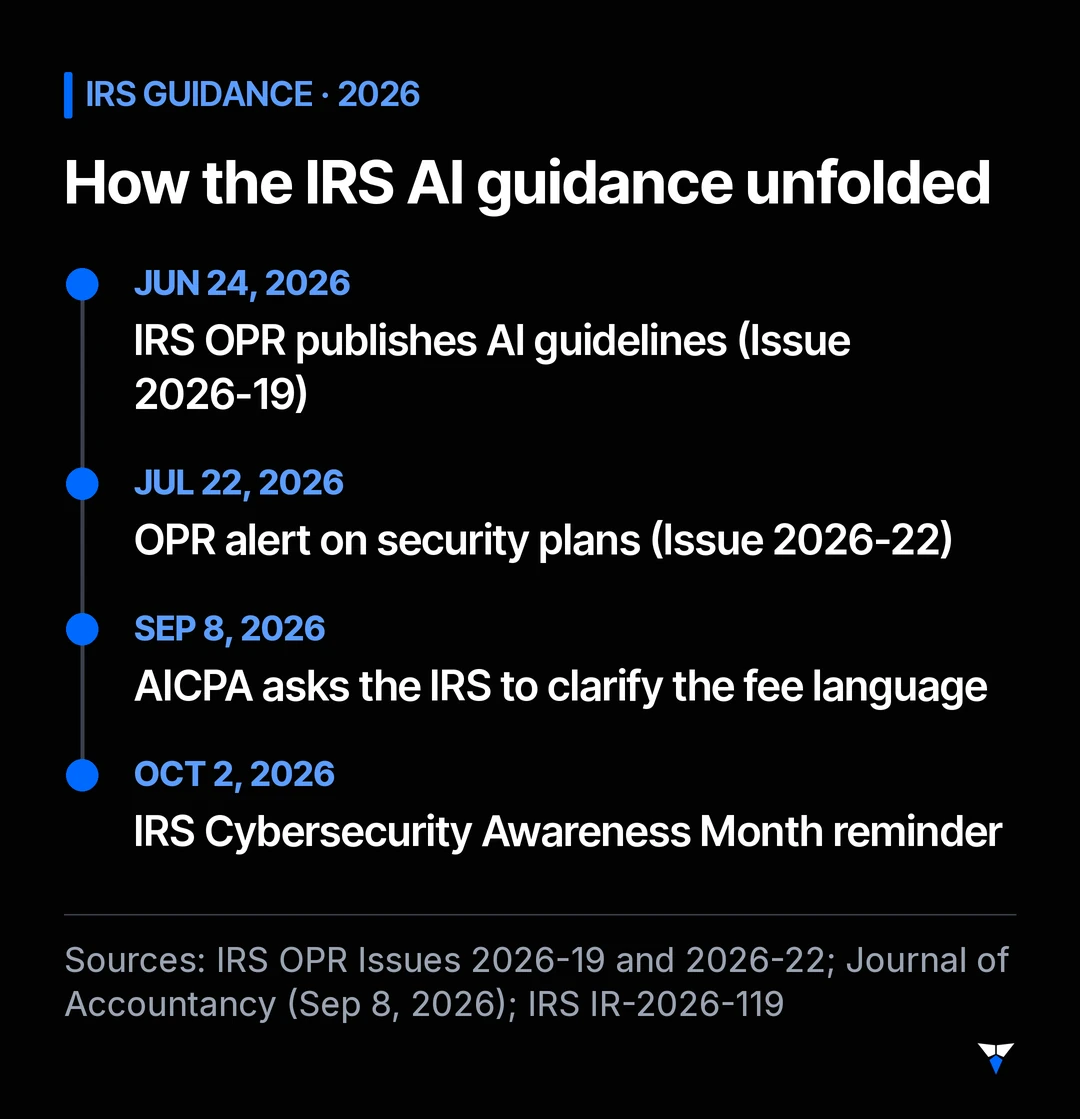
The IRS has now said how it sees that question. Its Office of Professional Responsibility (OPR), which enforces the rules for practice before the IRS, published Introductory Guidelines for Responsible AI Use in Federal Tax Practice (Issue 2026-19, dated June 24, 2026). In September the AICPA asked the IRS to clarify the part about fees. And October is Cybersecurity Awareness Month, which the IRS marked on October 2 with a reminder to protect tax data.
This guide explains what the guidelines say, what they mean for a small practice, and how to set up AI safely before the next filing season. We are a technology consultancy, not a law or accounting firm: we explain how the tools work and where the risks sit, and the professional calls are yours.
What do the IRS AI guidelines actually say?
The short version: AI does not change your duties, it just gives you new ways to break them. The alert walks through the Circular 230 sections that apply:
| Circular 230 duty | What OPR says it means for AI | What to do in practice |
|---|---|---|
| § 10.22 Due diligence | Review all AI-created documents before they go to a client or the IRS, and verify the facts, citations and calculations. You cannot rely solely on AI. | Treat every AI output as a first draft. Check figures against source documents and citations against the original. |
| § 10.27(a) Fees | Billing for time not actually spent, or double billing for AI-assisted work, may violate the unconscionable-fee rule depending on the facts. Savings should be passed on openly. | Never bill hours you did not work. Decide how you price AI-assisted work and be able to explain it. |
| § 10.35 Competence | Understand the technology you use, including its limits and risks, and whether its output is suitable for IRS matters. | Learn how your tool handles data and where it makes mistakes before you use it on client work. |
| § 10.36 Procedures | Firms need AI policies covering staff training, secure data handling, accuracy monitoring and vetting of outside AI tools, all documented. | Write a one-page AI policy, even if you are the only person in the firm. |
| § 10.37 Written advice | Do not rely on AI projections or statements without verification. Blind reliance, especially when the logic or sources are unclear, may be unreasonable. | Read the cases and rulings yourself. Use AI to find and draft, not to decide. |
| IRC §§ 6713, 7216 and § 10.51(a)(15) | Civil and criminal penalties apply to unauthorized use or disclosure of tax return information. Use only secure, enterprise-approved AI for client data. | Keep client data out of consumer AI apps. Use a business-grade tool with data protections you have checked. |
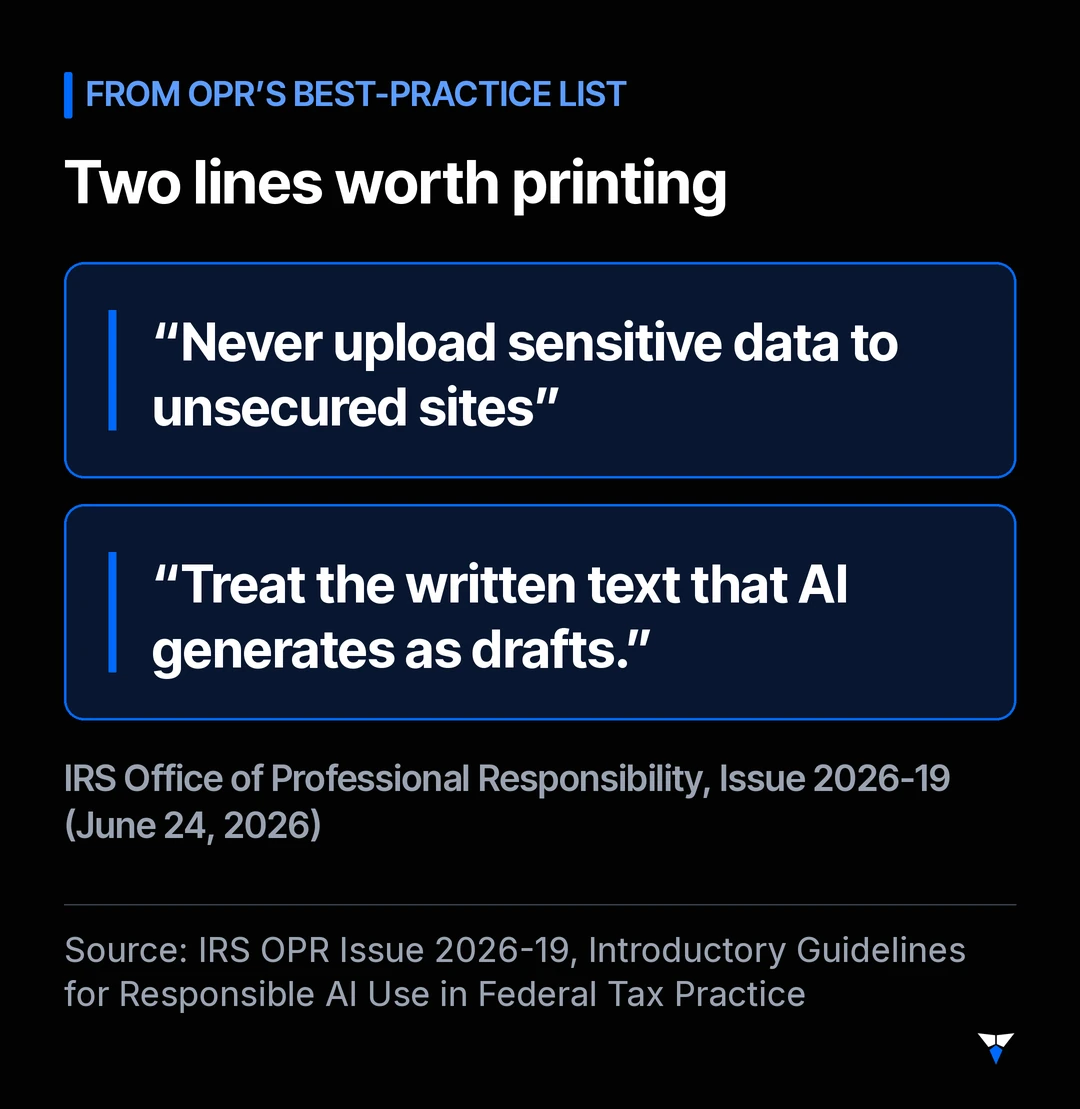
The alert ends with a best-practice list that is worth printing. Two lines from it sum it up: “Never upload sensitive data to unsecured sites” and “Treat the written text that AI generates as drafts.”
Is this a new rule, and why is the AICPA pushing back?
It is guidance, not a new regulation. OPR calls it “introductory guidelines,” and it explains how existing Circular 230 duties apply to AI.
The pushback is about one section: fees. According to the Journal of Accountancy (September 8, 2026), the AICPA said the language does not appear to allow for value pricing and overlooks the costs of adopting AI, such as software, training and governance. AICPA president and CEO Mark Koziel said the OPR language is not authoritative and could be “overstepping a little bit,” and the AICPA said it is working with the IRS on clarifying language and FAQs.
What that means for you: the fee debate is still open, but the verification and data-protection parts are not controversial. Those are the parts most likely to hurt a small practice if they go wrong.
What counts as “tax return information”?
- Circular 230
- The Treasury regulations that govern practice before the IRS by attorneys, CPAs, enrolled agents and other covered practitioners, enforced by OPR.
- Tax return information
- Broadly, any information furnished in any form or manner for, or in connection with, preparing a taxpayer's return, including the taxpayer's name, address or identifying number (the definition OPR cites from Treasury Regulation § 301.7216-1(b)(3)).
- Written Information Security Plan (WISP)
- A written plan describing how your practice protects client data. The IRS says tax and accounting professionals are required by law to have one.
- Enterprise-approved AI
- OPR's phrase, which it does not define. We read it as an AI tool on a business plan whose contract and settings you have checked for how it stores, uses and shares your data, as opposed to a free consumer app.
In other words, a client’s name and a question about their return is already tax return information. You do not need to upload a full Form 1040 for the rules to apply.
Why does your security plan need to mention AI?
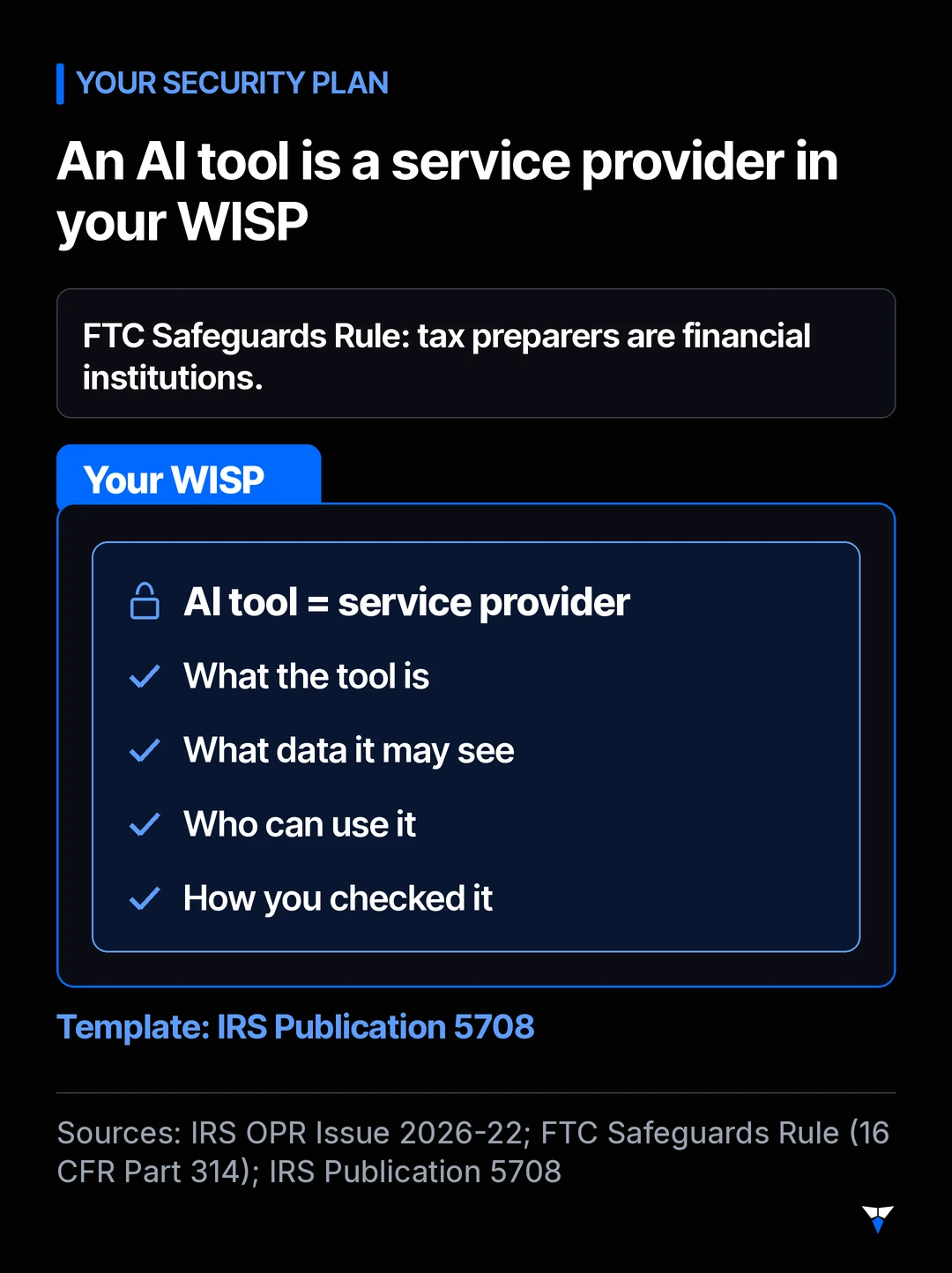
OPR’s July alert on security plans, Issue 2026-22, explains that the FTC’s Safeguards Rule defines businesses that complete income tax returns as financial institutions. They must keep an information security program, and they are responsible for making sure their service providers also safeguard customer information.
An AI tool that sees client data is one of those service providers. So it belongs in your WISP: what the tool is, what data it may see, who can use it and how you checked it. The IRS’s Publication 5708 has a sample WISP template written for smaller practices, so you can add an AI section rather than start from scratch.
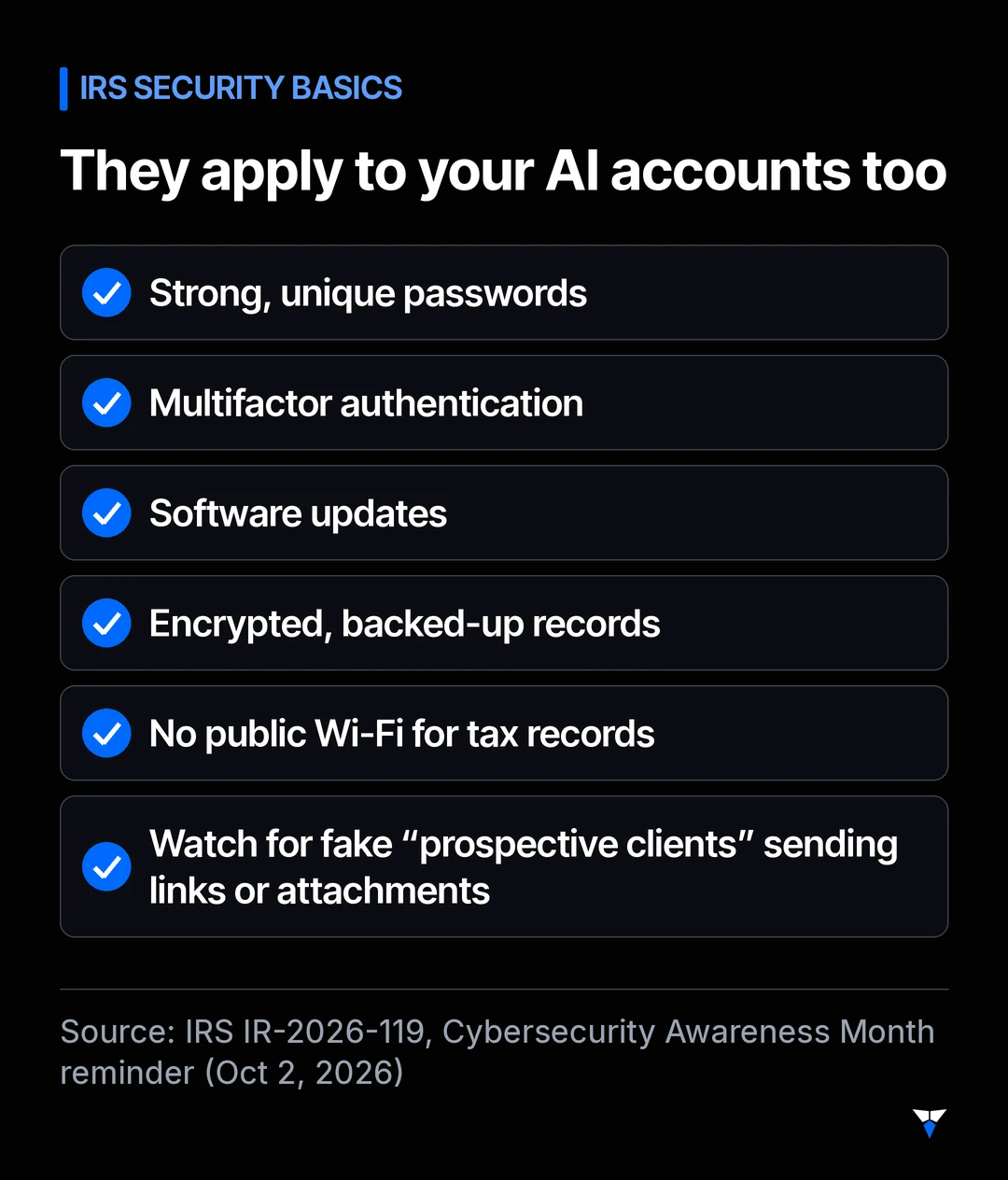
The IRS’s October 2 reminder adds the basics that apply to AI accounts too: strong, unique passwords, multifactor authentication, software updates, encrypted and backed-up records, and no public Wi-Fi for tax records. It also warns that scammers may pose as a prospective client to get tax pros to open malicious links or attachments, which matters if you let an AI tool read your inbox.
Which AI tasks are safe to start with?
Sort your tasks by how much client data they touch:
| Task | Client data? | How to handle it |
|---|---|---|
| Client newsletter, website text, generic “documents we need” list | None | Fine in most tools. Still check facts against IRS sources. |
| Rewording your engagement letter or AI-use disclosure | None | Fine to draft with AI. Have your own lawyer or professional body template as the base. |
| Summarizing public IRS guidance or a published notice | None | Useful. Read the original before you rely on the summary. |
| Drafting a reply to a client email | Some | Only in your enterprise-approved tool, or remove names and numbers first. |
| Reading a client’s IRS notice or organizer | Yes | Enterprise-approved tool only, covered by your WISP. Verify every number. |
| Reviewing a full return, W-2s or bank statements | Yes, a lot | Enterprise-approved tool only, with a documented review step. Never in a consumer app. |
The top half of this table is the easiest place to start: no client data is involved at all.
How do you set up AI safely in one evening?
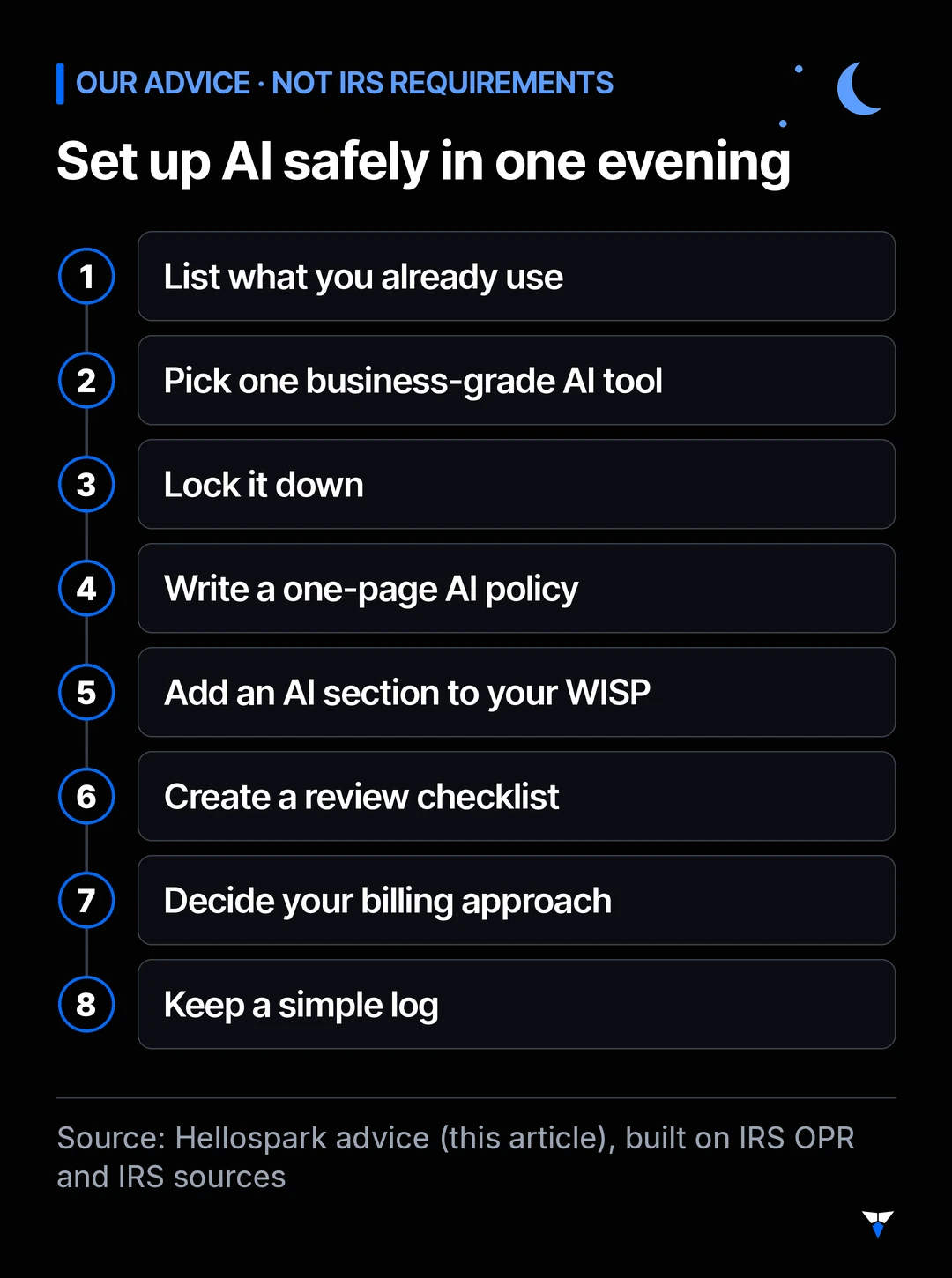
- List what you already use. Your tax software, email and office apps may already include AI features. OPR notes that virtually all firms use some form of AI, whether they are aware of it or not.
- Pick one business-grade AI tool for client work. Read its business terms: does it train on your data, how long does it keep it, who can access it, and can you delete it? Save what you found.
- Lock it down. Turn on multifactor authentication, use a unique password and switch off any setting that shares your data for training.
- Write a one-page AI policy. Which tool is approved for client data, which tasks are off-limits, and that every output is a draft until a human checks it.
- Add an AI section to your WISP. Name the tool as a service provider, describe what data it may see and how you vetted it. Use the Publication 5708 template if you do not have a WISP yet.
- Create a review checklist. For anything going to a client or the IRS: figures checked against source documents, citations opened and read, names and amounts correct, nothing from another client.
- Decide your billing approach. Bill only time actually spent, or use a fixed or value price you can explain. Consider a short line in your engagement letter saying you use AI tools under human review.
- Keep a simple log. Note which client matters used AI and that the review was done. That documentation is what OPR’s procedures section asks for.
Where to go from here
AI is a tool, not a substitute for your judgment: OPR says final decisions must always rest with qualified professionals. Set up well, it can still take the drafting, summarizing and chasing off your evenings, while your review stays at the center.
If you want help choosing a tool, checking its data settings and writing your AI policy and WISP section, that is what a 1-hour, 1:1 AI setup session ($100) is for: we work through it with you on video, in your own accounts, and you leave with a written plan. Not sure yet? Book the free 15-minute fit call. Lawyers face a similar set of questions, covered in Florida Bar is revisiting AI ethics, and for choosing which tasks to automate first, read What is an AI agent, and which tasks should you automate first?
Sources
- IRS Office of Professional Responsibility, Issue 2026-19: Introductory Guidelines for Responsible AI Use in Federal Tax Practice (June 24, 2026)
- IRS Office of Professional Responsibility, Issue 2026-22: How to Be a Careful WISP(er) (July 22, 2026)
- IRS, Circular 230: Regulations Governing Practice before the Internal Revenue Service
- IRS, IR-2026-119: Cybersecurity Awareness Month offers simple steps to protect tax data (October 2, 2026)
- IRS, Tax Tip 2026-72: Security Summit summer series information is relevant year round (October 1, 2026)
- IRS, Publication 5708: Creating a Written Information Security Plan for your Tax & Accounting Practice
- Electronic Code of Federal Regulations, 16 CFR Part 314: Standards for Safeguarding Customer Information (FTC Safeguards Rule)
- Journal of Accountancy, AICPA seeks IRS clarity on AI guidelines, CPA fees (September 8, 2026)
Frequently asked questions
Are the IRS AI guidelines a new rule?
No. Issue 2026-19 is an alert from the IRS Office of Professional Responsibility (OPR), dated June 24, 2026, that explains how existing Circular 230 duties apply to AI. AICPA CEO Mark Koziel has called the OPR language not authoritative, and the AICPA is working with the IRS on clarifying language and FAQs. The underlying duties, such as due diligence and competence, already apply.
Can I paste a client's return or W-2 into ChatGPT?
Not into a consumer chat app. OPR says client data should be handled only with secure, enterprise-approved AI, and never uploaded to unsecured sites. Civil and criminal preparer penalties apply to unauthorized use or disclosure of tax return information. Use a business plan with contractual data protections, check its settings, and if you are unsure whether a use counts as a disclosure, ask a professional-responsibility lawyer first.
Do I have to lower my fees because AI saves me time?
OPR's alert says billing for time not actually spent, or double billing for AI-assisted work, may violate the unconscionable-fee rule depending on the facts, and that savings should be passed on openly. The AICPA has pushed back, arguing the language overlooks value pricing and the costs of adopting AI. At a minimum, never bill hours you did not work, and be able to explain how you set your fees.
Does a one-person practice really need a written security plan?
Yes. The IRS says tax and accounting professionals are required by law to have a Written Information Security Plan (WISP), because the FTC Safeguards Rule treats tax preparation businesses as financial institutions. The plan can be scaled to your size, and IRS Publication 5708 includes a sample template for small practices.
Which AI tasks are lowest risk for a tax practice?
Tasks that use no client data: drafting a generic client newsletter, rewriting your engagement-letter wording, summarizing public IRS guidance or building a checklist. Even then, OPR's advice holds: treat the output as a draft and check it against the original source before you rely on it.

Written by Ayoub El Mardi
Co-founder, Spark Tech
Ayoub co-founded Spark Tech, an AI and automation consultancy in Marrakech, and works directly with every client from the first call to handover.
Want AI set up for your work?
One 1:1 video hour with a founder to set up AI for your admin. $100, paid when you book.
Get plain-English AI tips for your business
Simple guides to using AI for your admin, written by the two founders. No spam; about one email a month.